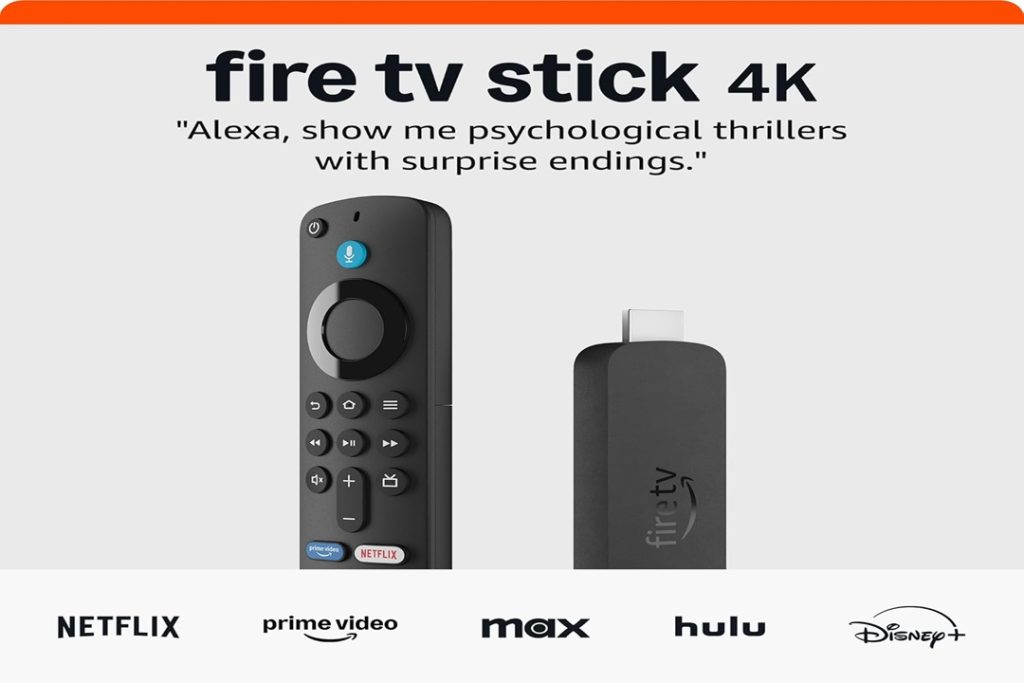
The newest Amazon stick, the Fire TV Stick 4K, brings significant upgrades to the table. It’s fast, packed with features, and now includes AI-powered search and Wi-Fi 6 support. But is it worth the upgrade if you already own a previous version—or another streaming device?
Let’s take a closer look at how it performs and where it may fall short.
AI-Powered Fire TV Search: Smarter, But Still Growing
The standout upgrade in this Amazon stick is the AI-powered Fire TV Search. Instead of typing or scrolling endlessly, you can speak naturally—just say what you’re in the mood for. It quickly suggests titles, genres, actors, and more. This makes browsing through over 1.5 million movies and shows less painful.
However, while the voice assistant has improved, it’s not perfect. The AI sometimes pushes Amazon Prime Video content over other platforms, even when they’re not the best match. That favoritism can be frustrating for users who subscribe to multiple services like Netflix, Hulu, or Disney+.
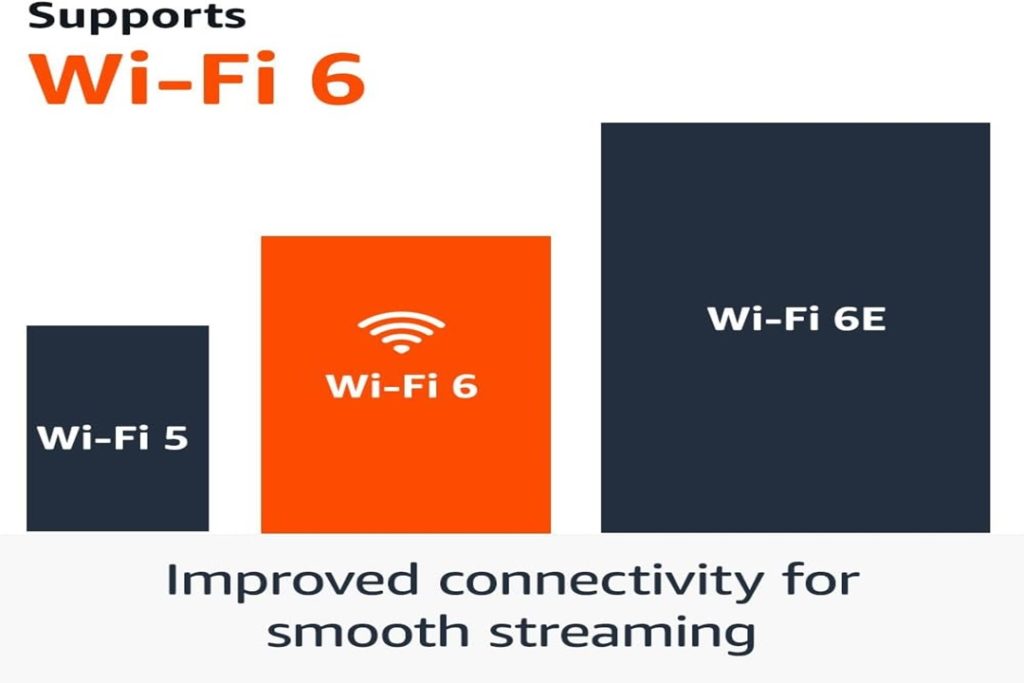
Wi-Fi 6 Support: Faster Streaming with a Caveat
The Amazon stick now supports Wi-Fi 6, which boosts streaming speed and stability. If your home has a compatible router, you’ll notice smoother 4K playback with fewer buffering interruptions—especially when multiple devices are online.
That said, not everyone has upgraded to Wi-Fi 6 yet. If you’re still using Wi-Fi 5 or older, you won’t see a massive performance leap. The new feature might feel like future-proofing rather than a must-have improvement today.
Vast Content Library: Quantity Over Quality?
With access to over 1.5 million movies and TV shows, this Amazon stick delivers a massive content library. You also get free and live TV options, which are great for cord-cutters. Amazon has added FAST (Free Ad-Supported Streaming TV) channels, which include news, sports, and lifestyle content.
The downside? Content discovery can feel overwhelming. Unless you know exactly what you’re looking for, it’s easy to scroll endlessly. Even with AI helping out, not all recommendations feel relevant or fresh. There’s also a heavy emphasis on Amazon-owned content.
Compact Design and Setup: Easy but Familiar
One of the best things about the Amazon stick is its compact size. You can plug it into any HDMI port and start streaming within minutes. Setup is fast and intuitive, especially if you already have an Amazon account. It also auto-detects and configures settings like display resolution and audio output.
But visually and functionally, it’s nearly identical to older models. There’s no major design innovation here. If you’re expecting a completely new interface or look, you might be disappointed.
4K HDR Performance: Vivid Picture, Limited Audio Upscaling
This Amazon stick supports 4K Ultra HD, Dolby Vision, HDR10+, and Dolby Atmos. The picture quality is sharp and colorful, especially on newer TVs. Scenes look realistic, and motion handling is improved over the 2021 version. HDR content from Prime Video and Netflix really pops.
Audio is good but not groundbreaking. Dolby Atmos is available, but only on supported titles and sound systems. The lack of consistent audio upscaling means some content sounds flat unless you have a premium setup.
Remote with Alexa: Helpful but Cluttered
The included Alexa Voice Remote lets you control the Amazon stick and connected devices. You can search, pause, play, adjust volume, and even control smart home devices. The remote is responsive and compact.
Still, the addition of multiple shortcut buttons (Netflix, Prime Video, etc.) feels cluttered. Users who prefer minimalist controls might find the remote too busy. Also, Alexa sometimes misunderstands commands in noisy rooms.
App Support and Ecosystem: Broad but Biased
This Amazon stick supports all major streaming apps—Netflix, Hulu, YouTube, HBO Max, Disney+, Apple TV, and many more. It also integrates with Amazon’s ecosystem, including Ring cameras, Alexa routines, and Fire TV Channels.
However, the Fire TV interface leans heavily toward Amazon services. Even if you install and use third-party apps, navigating to them can take extra steps. It’s not as neutral as platforms like Google TV or Roku.
App Support and Ecosystem: Broad but Biased
This Amazon stick supports all major streaming apps—Netflix, Hulu, YouTube, HBO Max, Disney+, Apple TV, and many more. It also integrates with Amazon’s ecosystem, including Ring cameras, Alexa routines, and Fire TV Channels.
However, the Fire TV interface leans heavily toward Amazon services. Even if you install and use third-party apps, navigating to them can take extra steps. It’s not as neutral as platforms like Google TV or Roku.
Frequent Updates: Useful, But Occasionally Disruptive
One thing to appreciate about the Amazon stick is how often it receives software updates. These bring performance improvements, security patches, and new features like voice enhancements or better live TV integration.
Yet, these updates sometimes roll out without much notice and can briefly interrupt use. Auto-updates may reboot the device, which is annoying if you’re mid-watch or using it during a presentation.
Frequent Updates: Useful, But Occasionally Disruptive
One thing to appreciate about the Amazon stick is how often it receives software updates. These bring performance improvements, security patches, and new features like voice enhancements or better live TV integration.
Yet, these updates sometimes roll out without much notice and can briefly interrupt use. Auto-updates may reboot the device, which is annoying if you’re mid-watch or using it during a presentation.
Should You Buy It?
If you’re upgrading from a much older streaming stick or just getting started with 4K streaming, this Amazon stick delivers excellent value. Its AI search, Wi-Fi 6, and broad content access make it a strong performer in a crowded market.
Still, if you already own a recent Fire TV Stick or prefer a more neutral platform, the improvements might not justify an upgrade. The interface remains heavily Amazon-centric, and not all new features will matter to every user.
Conclusion:
The newest Amazon stick offers smoother streaming, smarter search, and tons of content. But some upgrades depend on your existing tech and streaming preferences. It’s a great option—but not a universal must-have.